WHOLESALE ORDERING
Let your wholesale customers order for themselves.
Take on more accounts without hiring someone to take orders.
THE PROBLEM
Every account orders a different way.
One sends a spreadsheet, one emails, one texts you at 9 PM. You retype them all onto one sheet so the crew knows what to make, and that's where the wrong quantity or last month's price slips in.
Your customers already know what they want. You shouldn't have to type it in for them.
BUYER PAGE
Their own page, at their prices
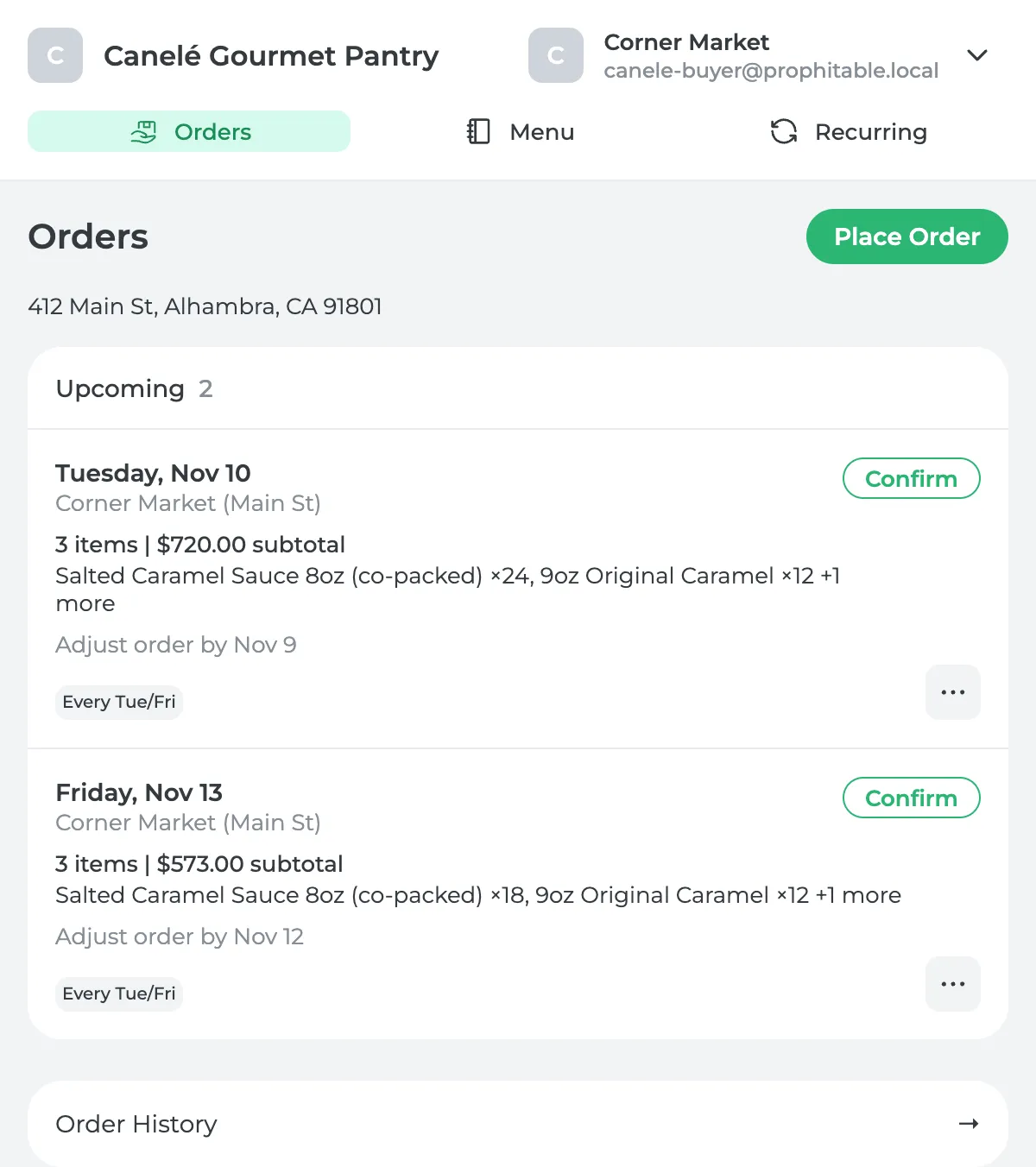
Each buyer gets a link by email. There's no password and nothing to download. They see only what's on their price list, at the prices you agreed. Their page shows what's coming up, their standing orders and everything they've ordered before.
STANDING ORDERS
Orders that repeat themselves
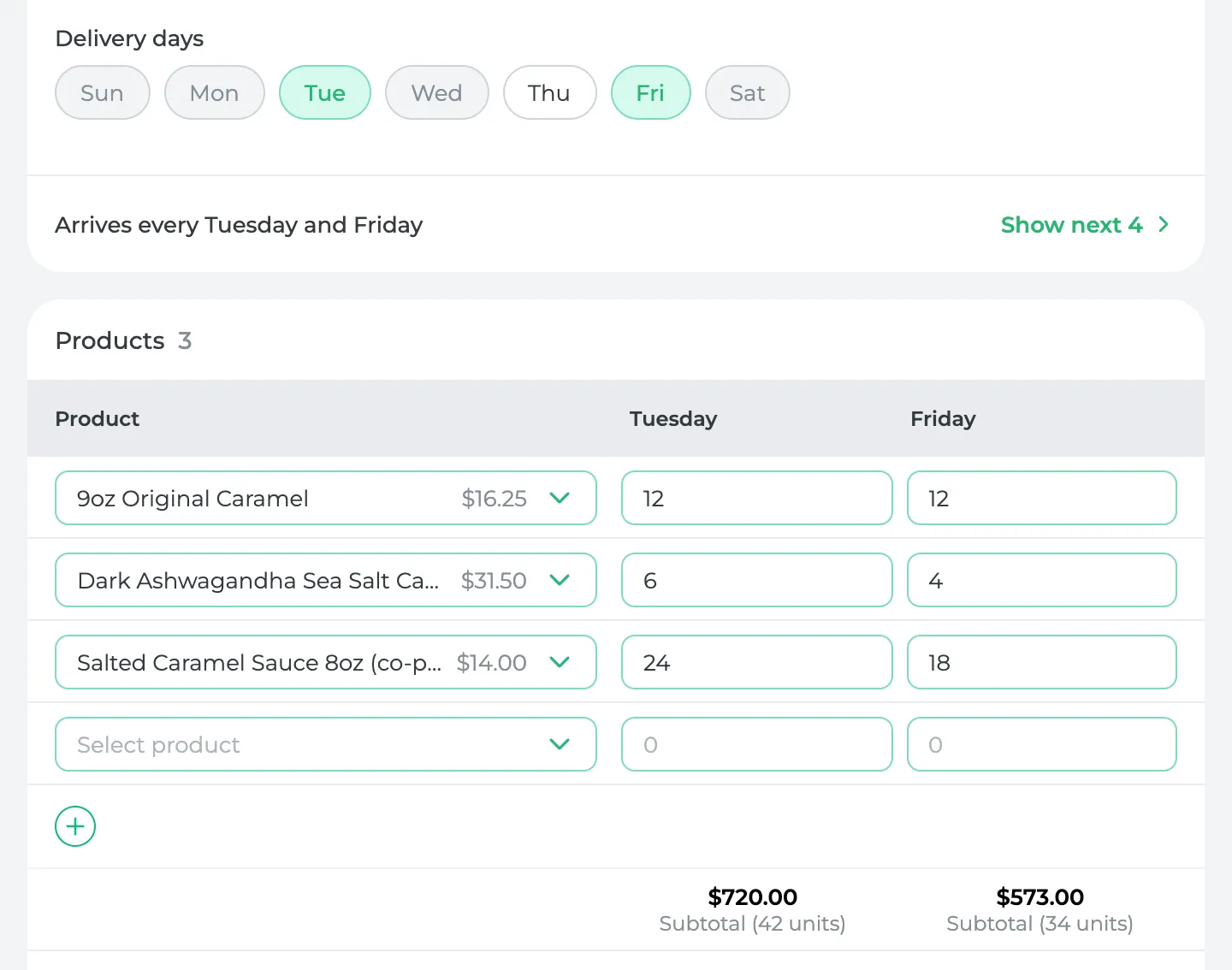
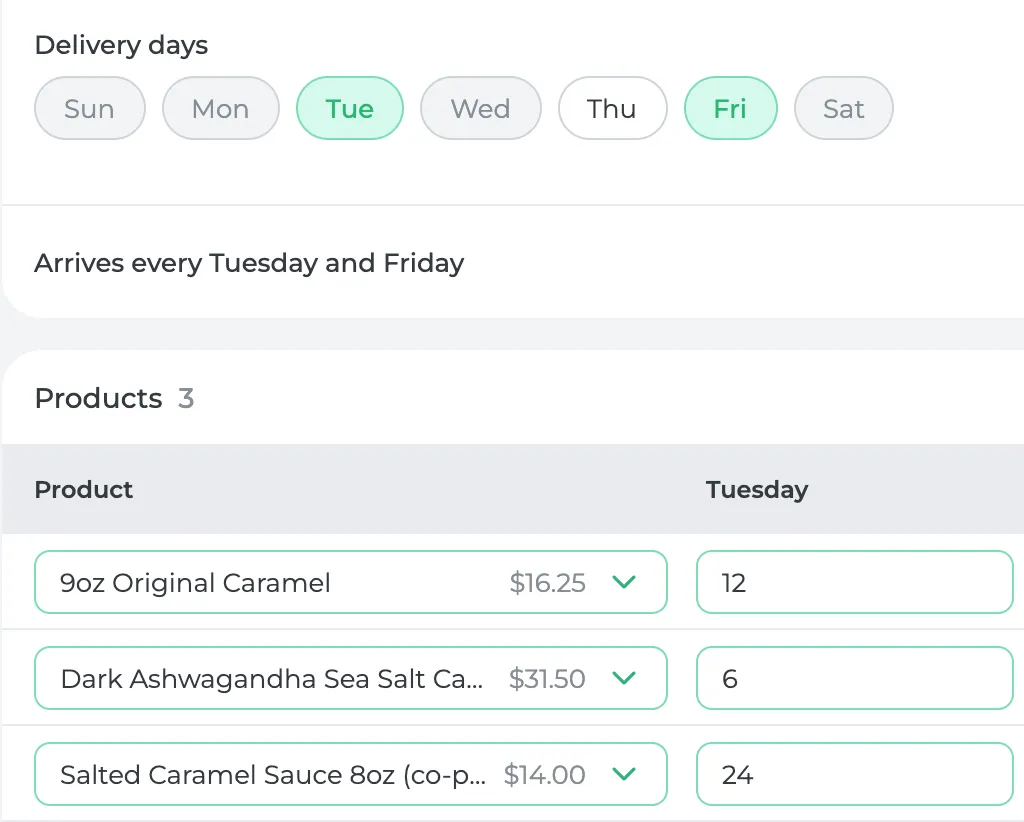
A buyer sets up their weekly order once. It repeats on every delivery day, and they can change any week before your cutoff.
DELIVERY DAYS
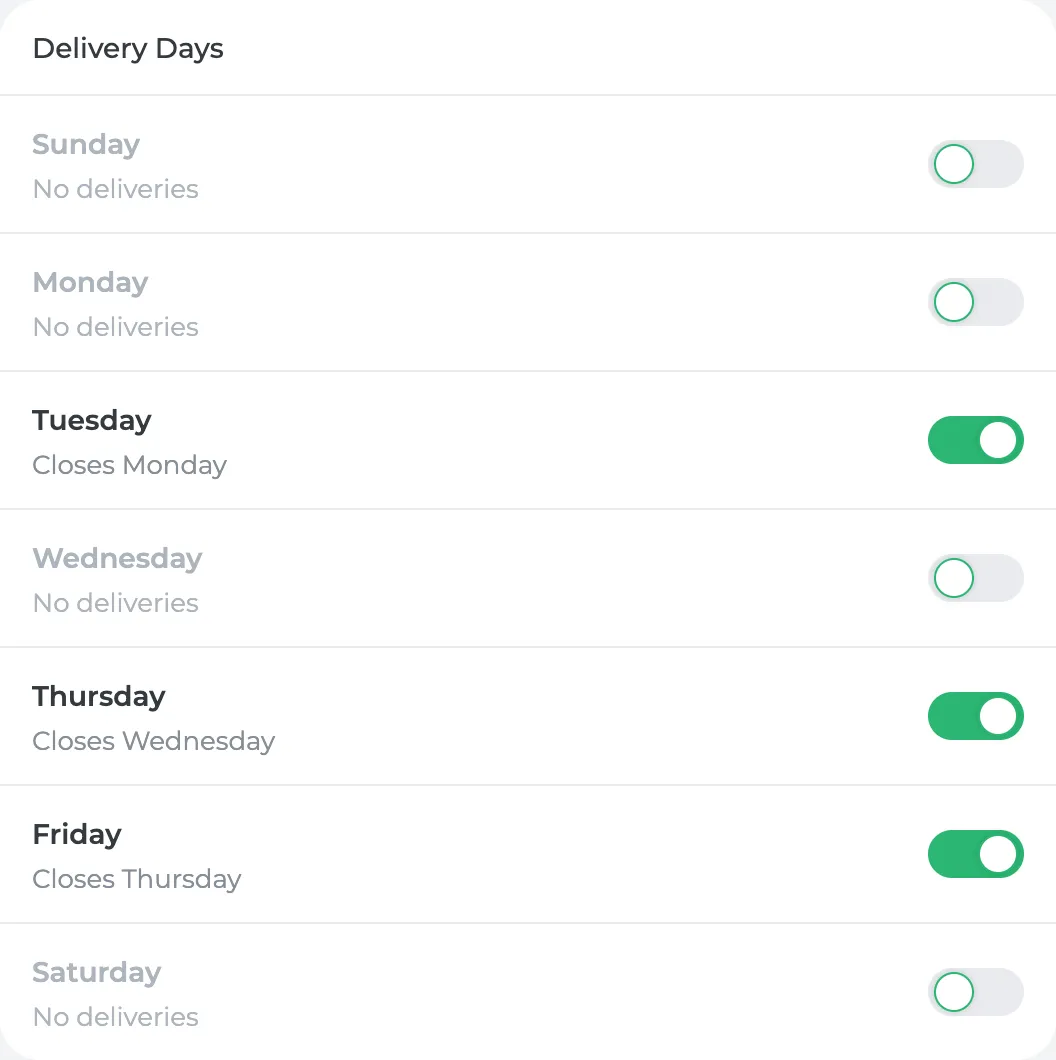
You set the days and the cutoffs
Choose which days you deliver and when orders close for each one.
SALES ORDERS
At cutoff, it's a sales order
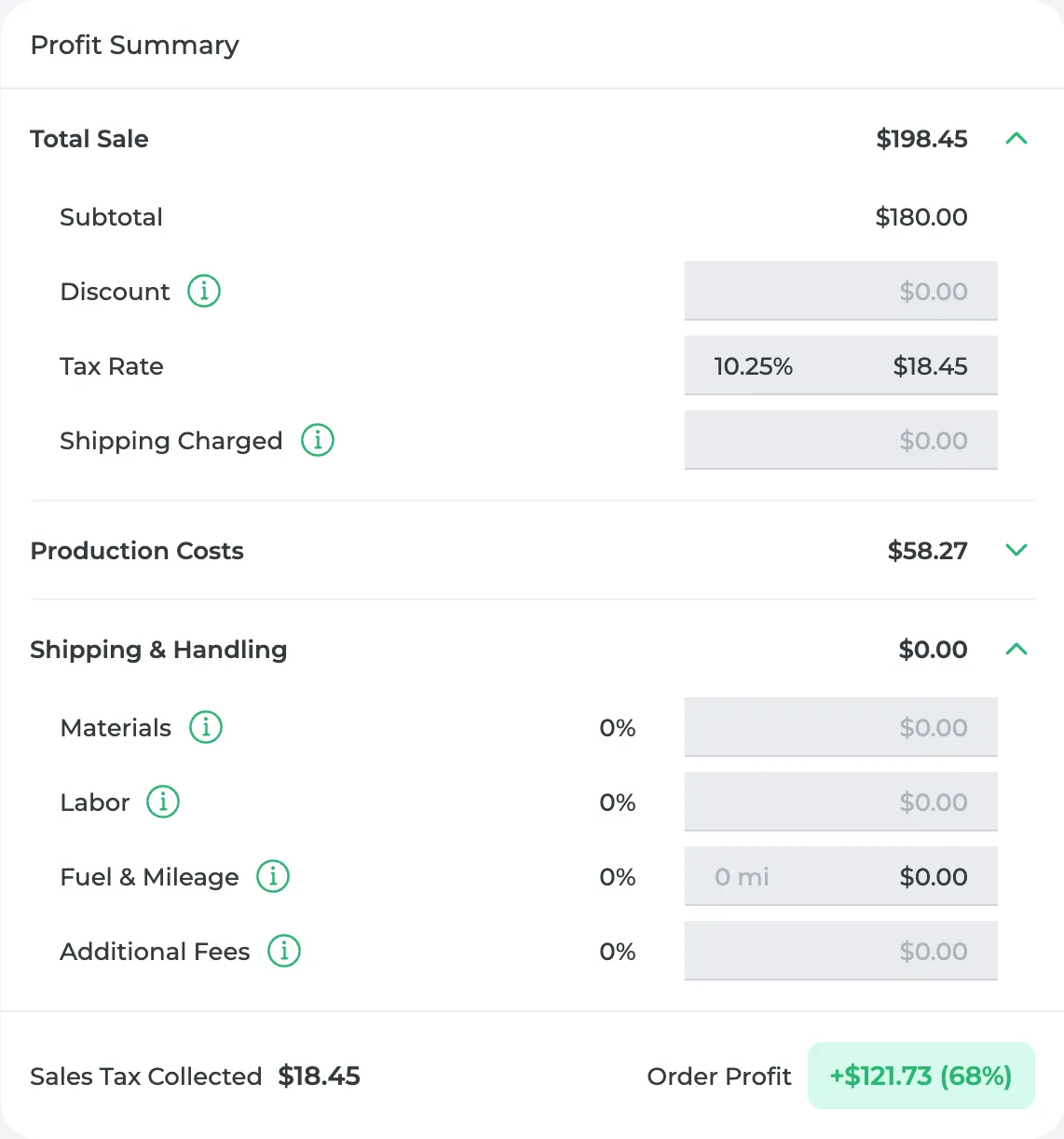
It lands in Sales Orders, priced from their list and already costed. If you'd already entered that delivery yourself, you won't get a duplicate.
The help center walks through each part, from online ordering and price lists to customers and locations.
I can go on vacation for a week and somebody can manage this... the business will be more self-sufficient, more able to run on its own.
 Mike FrancoPresident, Super Crown Catering
GETTING STARTED
Get started in three steps.
Set your delivery days and cutoffs
Pick the days you deliver and when orders close.
Invite each buyer by email
They get a link to their own ordering page.
Orders arrive ready to make
They show up in Sales Orders by the cutoff, with nothing to retype.
Or book a setup call and I'll set it up with you.
Included with Growth and Pro. See pricing
prophitable.io/wholesale-ordering