How to finish your products
A product is what you sell: a recipe or one of its outputs, put in a package, at a price. Prophitable adds the recipe and the packaging into a total cost per unit, and shows your profit on every one you sell.
Add a product
-
Go to Products and click Add Product.
-
Under Product Information, enter the Name, the Shelf Life and the Price you sell it for. SKU, Category, Notes and Description are optional.
-
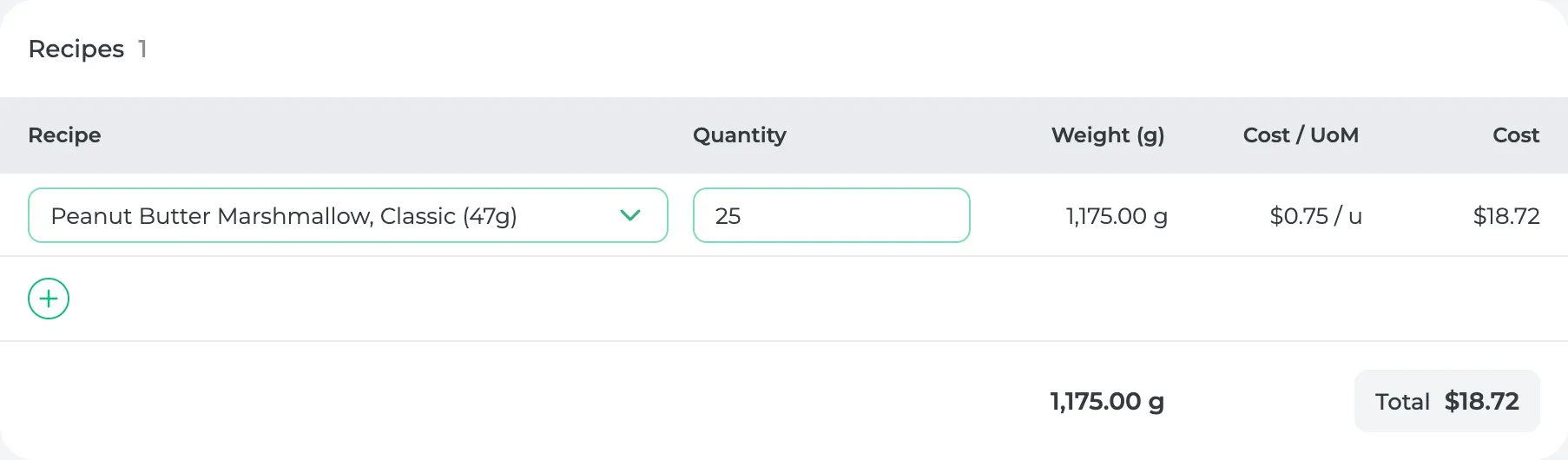
Under Recipes, click + and pick what goes inside:
- an output, like a truffle, and how many go in one product
- or a Portions recipe, and how much of it by weight
-
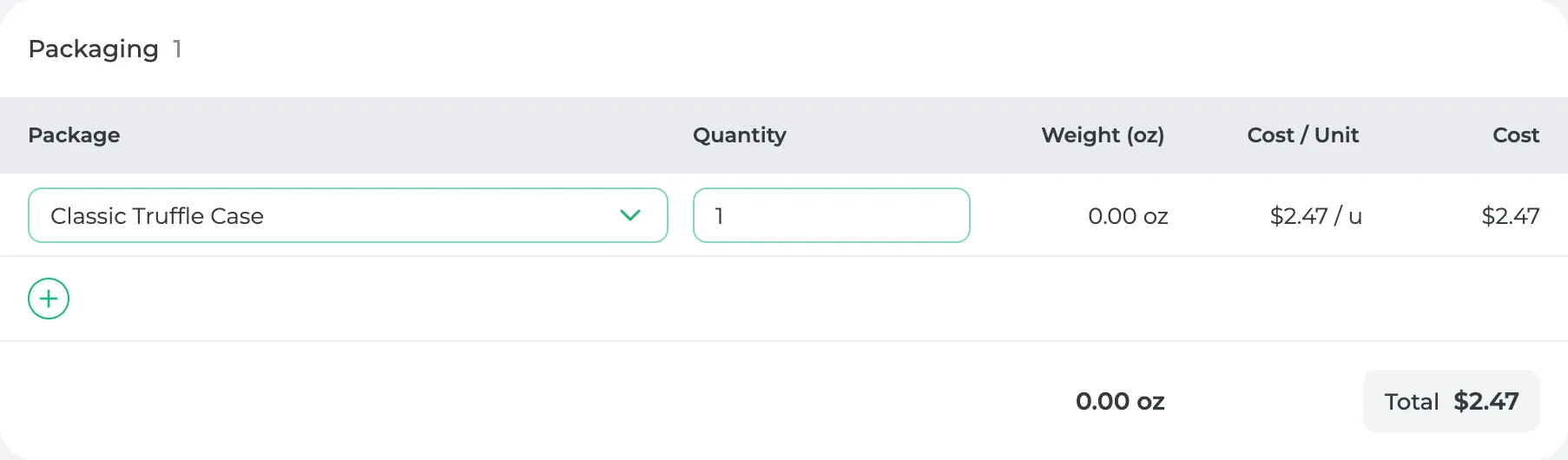
Under Packaging, click + and pick the package it goes in.
-
If packing the product takes time of its own, turn on Time to Package Product and add the steps.
-
Click Save. If your plan includes online ordering, the button reads Save as Draft on a new product (more below).
A published product needs a name, a price above $0, a shelf life, a recipe or output, and a package, each with a quantity. Save won't publish it without them.
If your plan includes online ordering, a new product starts as a draft, which only needs a name. Save as Draft keeps it to yourself while you finish it, and Save & Publish puts it on your customers' menu.
What you'll see
The bottom of Product Information shows the Total Cost / Unit and the Unit Profit, with your margin beside it. This product is 25 truffles ($18.72) in a truffle case ($2.47), so it costs $21.18 to make. At $70.00 it makes $48.82 a case, a 70% margin.

When a wage changes, or you change a price and click Update All, the product is re-costed and its profit updates with it.
Selling the recipe exactly as it is?
If you made the recipe as a Whole Item, its product already exists. Saving the recipe made it. Open it from Products and add the price and packaging.
Have a lot of products?
Click Import on the Products page and upload the spreadsheet you already keep. You'll see what it read and can fix anything before it's saved.
Did this answer your question?
Thanks for letting me know.
Thanks. I read every one of these myself.