How to add your post office
If you ship orders by mail, save the post office you drop them at under Settings > Shipping. When someone on your team takes a shipped order there, the round trip goes into that order's cost.
The post office address is part of the Growth plan. On Starter the card is read-only, so choose I don't ship by mail in the Getting Started guide.
Add your post office
-
Go to Settings and click Shipping.
-
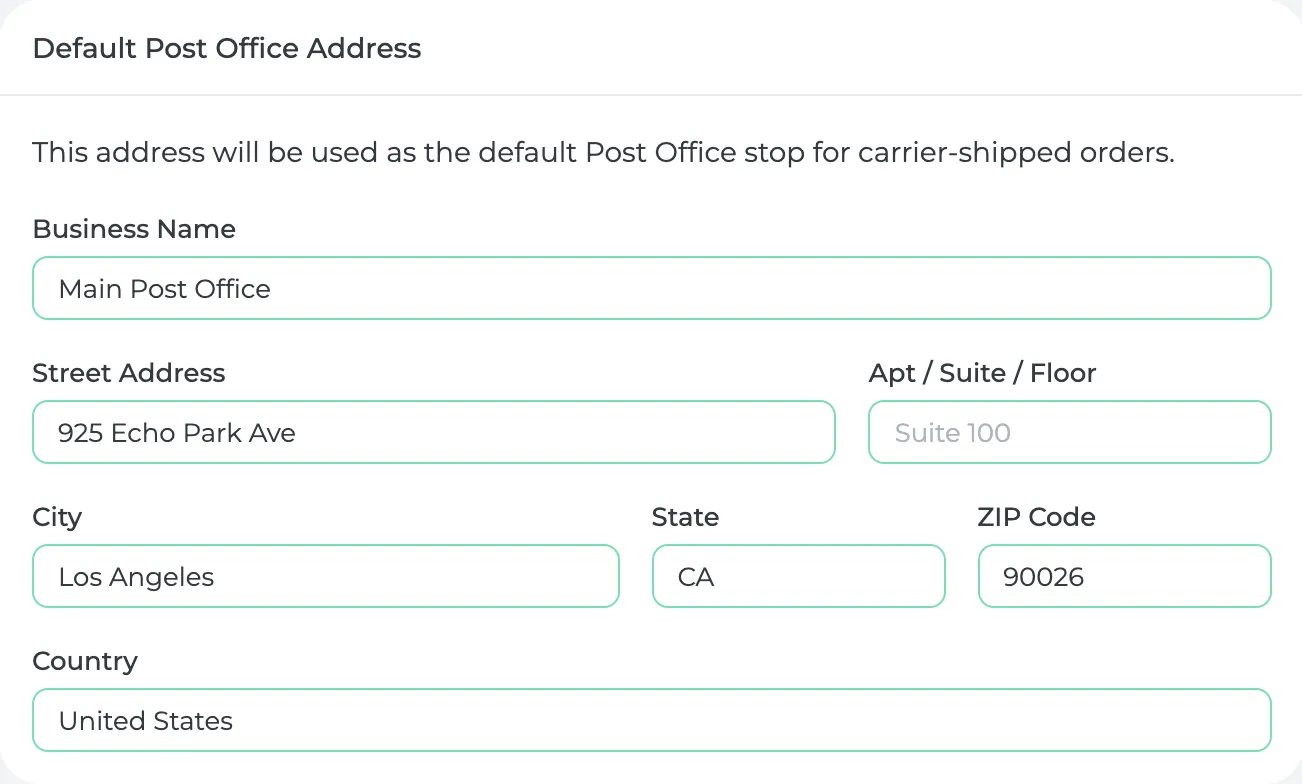
Under Default Post Office Address, enter a Business Name (for example "Main Post Office"), then start typing the street and pick it from the suggestions.
-
Check the Cost Per Mile under Mileage Settings. It starts at $0.67, the IRS rate for 2026.
-
Click Save.
What you'll see
On a new sales order with the Fulfillment Type set to Shipping, click Add beside Labor under Shipping & Handling. Choose who did it and the task Delivery or Pack & Delivery. Prophitable then measures the round trip from your business address to the post office and fills in Fuel & Mileage. You can change the miles if the trip was different.
Shipping orders also have a Postage Fee line for what the carrier charges you.
When you plan a transport order, every shipping order on it goes into one stop at your post office.
Did this answer your question?
Thanks for letting me know.
Thanks. I read every one of these myself.