How to get paid online
Connect a bank account through Stripe and every invoice you send gets Pay by Bank and Pay by Card buttons. Payments land on the invoice by themselves, and Stripe pays the money out to your bank.
Online payments are on every plan. There's no monthly fee: you pay only when a customer pays online.
| How they pay | Fee |
|---|---|
| Bank (ACH) | 1% |
| Card | 2.99% + 30¢ |
The fee comes out of the payment before it reaches your bank. Checks and other payments you record yourself cost nothing.
Set it up
-
Go to Settings and click Invoicing.
-
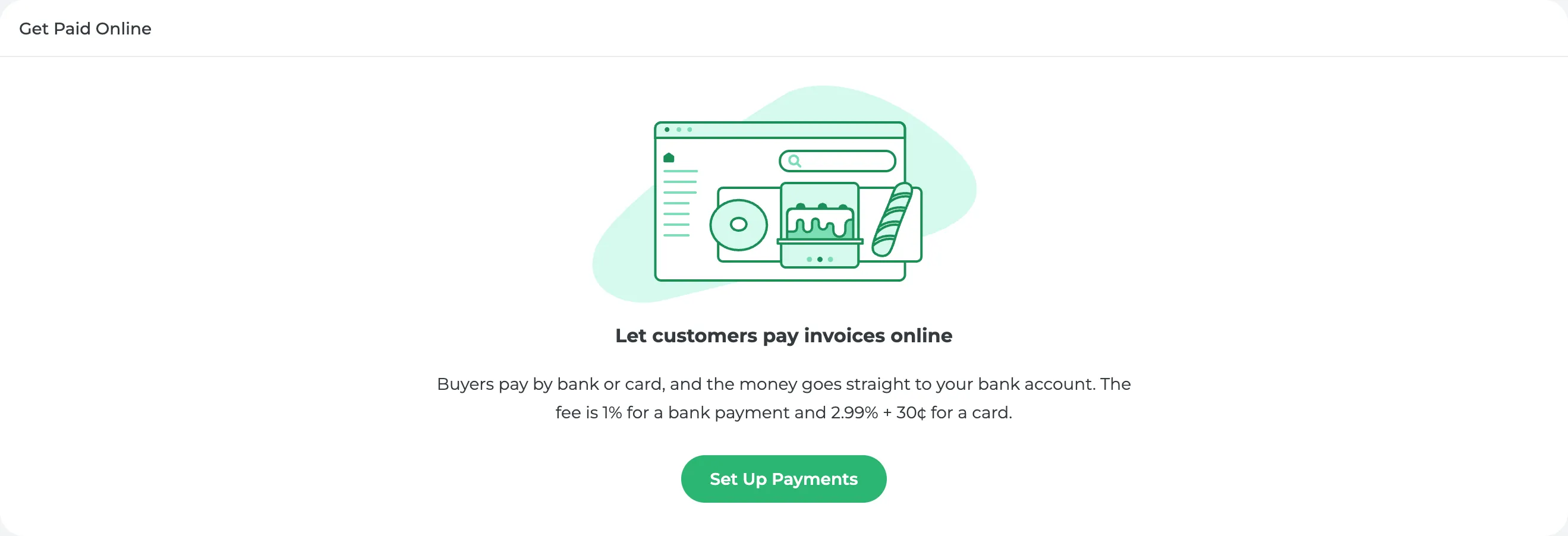
Under Get Paid Online, click Set Up Payments.
-
Stripe asks for your business details, the owner's details and the bank account to pay out to.
Stripe then checks your details, which usually takes 1 to 3 business days. Until it's done, your invoices go out as before, without the Pay buttons. If Stripe needs anything more, the card says so and shows Finish Setup.
When the card says Customers can pay your invoices online, you're set. Below that are tabs for Payouts, Payments, Account and Tax Documents, all from your Stripe account, with no separate Stripe login.
What your customers see
The invoice email says they can pay online and links to View and Pay. The invoice page has Pay by Bank and Pay by Card. Bank comes first because it costs you less.
A bank payment takes a few business days to clear. Meanwhile the invoice shows Processing, it won't be counted as overdue, and no reminders go out. If the bank sends the payment back, the invoice opens again and your customer can try again.
When they pay
The payment is recorded on the invoice by itself, and the invoice turns Paid when nothing is left to pay. Stripe pays it out to your bank, and the Payouts tab in Settings › Invoicing shows when.
Refund a payment
Open the invoice. In Payments & Credits, click ⋯ on the online payment, then Refund Payment, and finish the refund in Stripe's window. The invoice is updated once Stripe confirms it.
Did this answer your question?
Thanks for letting me know.
Thanks. I read every one of these myself.